Start with a clear message and choose the details that should change for each recipient, such as their name, company or role.
AI can help adjust the wording to the available context. Add an approval step to your workflow when you want someone to review drafts before sending.
Give replies a clear next step.
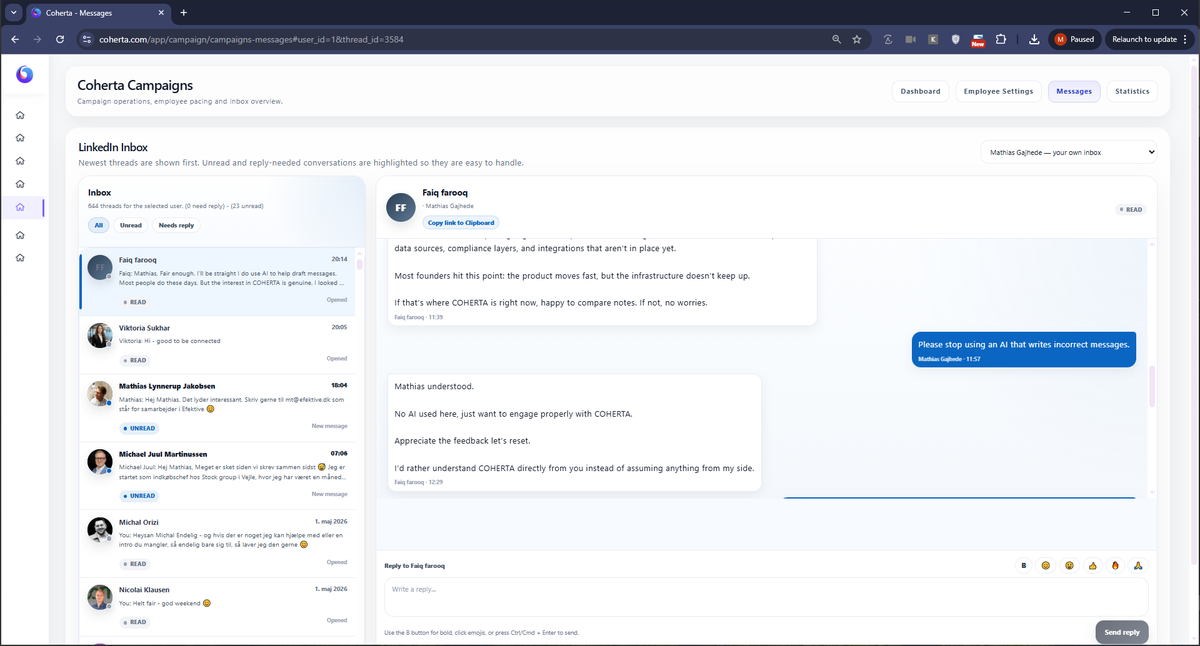
A reply is the start of a conversation. Use the shared inbox to keep the context available to colleagues who need to help with the next response.
Read and write permissions control who can view conversations and who can reply. Your team can coordinate follow-up across the accounts they have access to.
ExampleA simple conversation starter
Use the recipient's context and give them a clear, relevant reason to reply.
Illustrative message
Hi Alex, thanks for connecting. How does your team keep track of LinkedIn follow-up today? Happy to share a few ideas if that would be useful.
Keep the team involved at each step.
Use the campaign workflow to connect preparation, approval and follow-up.
Prepare the message
Write the starting text and select the recipient and sender details that make it relevant.
Review before sending
Use a manual approval step when your team needs to check the message before it goes out.
Coordinate the reply
Let authorized colleagues read the conversation and help respond with the right context.
Bring more structure to your outreach.
Connect your campaign messages with the people, settings and follow-up behind them.